How do I enroll in eStatements?
Login to Online Banking from a desktop computer using the URL https://cornerstone.cbzsecure.com. The initial setup of eStatements will have to be completed on a desktop computer.
Select “Statements and Documents” from the left-hand menu.
Then select “Delivery Preferences.”
Type your email delivery address.
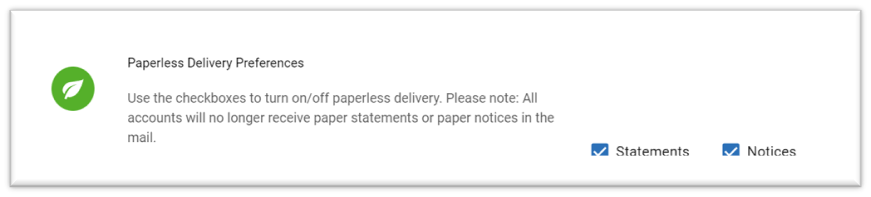
Check the appropriate boxes to turn on paperless statements and notices.
Share