jacob@teamcrowell.com
 206-707-1378

Electronic statements
Login to Online Banking from a desktop computer using the URL https://cornerstone.cbzsecure.com. The initial setup of eStatements will have to be completed on a desktop computer.
Select “Statements and Documents” from the left-hand menu.
Then select “Delivery Preferences.”
Type your email delivery address.
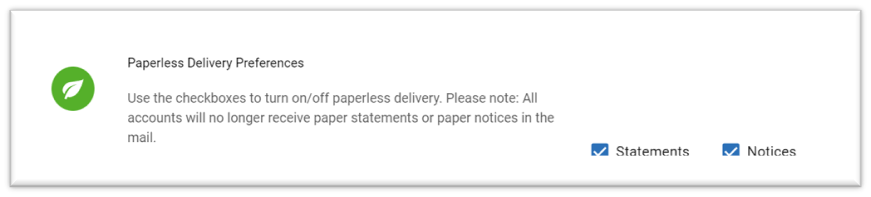
Check the appropriate boxes to turn on paperless statements and notices.
You will receive an email notification on the first business day following your statement cycle period. Your statement will be available to view through your online banking portal.
Yes. Your eStatements include monthly account history, just like your current paper statement, but with the added convenience of electronic delivery.
Yes, you can. To turn off paperless statements:
Select “Statements and Documents” from the left-hand menu.
Then select “Delivery Preferences.”
Uncheck the appropriate boxes to turn off paperless statements and notices.
Please ensure you have Adobe Acrobat installed on your computer or mobile device.
Contact our Customer Care Team by tapping the
 icon in the app, visiting the Contact Us page on our website, or calling 833-567-2265 (BANK).
From the website, you can also click the “Let's Talk” icon in the lower right-hand corner to speak with a live representative by chat, phone, or video call.
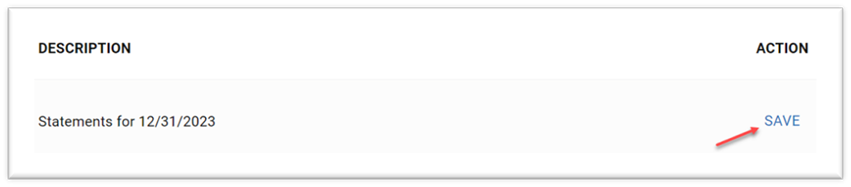
Yes. You can save copies of your eStatements by downloading them to your computer. This function can only be performed from a PC.
eStatements remain accessible to you through Online Banking for up to two years.